Realtime speech-to-text
Two new keyless, offline local engines — whisper.cpp stream and faster-whisper — transcribe as you speak, with partial results every ~500 ms. Nothing leaves your machine.
Claude Codex Black Edition is a self-contained AI coding assistant for VS Code — a polished, Claude Code–style panel that talks to any model: Anthropic Claude (incl. claude-opus-4-8), OpenAI, Grok / xAI, Google Gemini, Azure, and local Ollama. Voice in, voice out, image paste, and 15+ swappable skins.
No vendor lock-in · Keyless voice out of the box · Your keys, your machine
This release leans hard into voice & vision.
Two new keyless, offline local engines — whisper.cpp stream and faster-whisper — transcribe as you speak, with partial results every ~500 ms. Nothing leaves your machine.
Deepgram is now a first-class STT provider with streaming Nova-3 — drop your key in the config and dictate in real time.
Drop a screenshot or drag an image onto the composer; it queues an attachment and ships natively to any vision-capable model.
The model dropdown now refreshes from each provider once a day, so new releases — like claude-opus-4-8 — show up without an extension update.
A single panel that does the work of a dozen tabs — without leaving your editor.
Switch providers from a dropdown. Direct API or browser bridge — Claude, GPT, Grok, Gemini, Azure, and local Ollama all live in the same chat.
Dictate prompts with ElevenLabs, Deepgram Nova-3, local Whisper, or your Claude login. Read responses aloud with TTS. Keyless options work out of the box.
Aqua-dock, XFCE, GNOME, KDE, macOS, terminal, even a pixel-pet Tamagotchi — change the entire look from a menu, or edit your own in the in-app skin editor.
Drop a screenshot or drag an image onto the composer — it ships natively to any vision-capable provider. No upload dance.
A project-folder pill keeps your workspace in context. Attach files, run slash commands, and confirm tool calls right in the panel.
Doesn't hook or depend on any other extension at runtime. Your API keys live in your local config — nothing routes through us.
Every skin is plain HTML/CSS. Pick one from the menu, then tweak it live — Edit, Save, Save as New, or Restore Original.

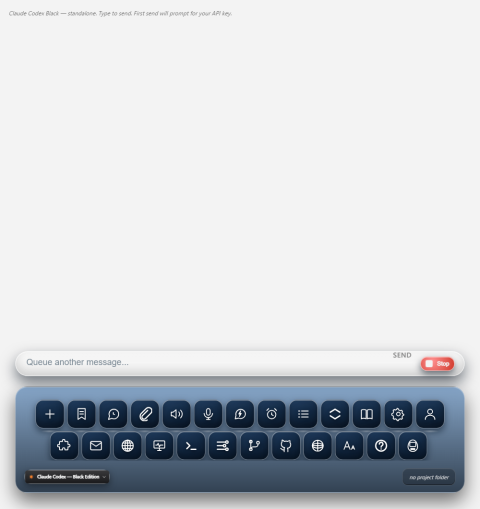
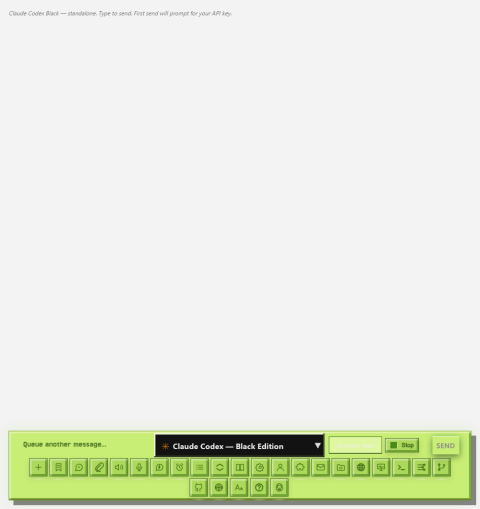
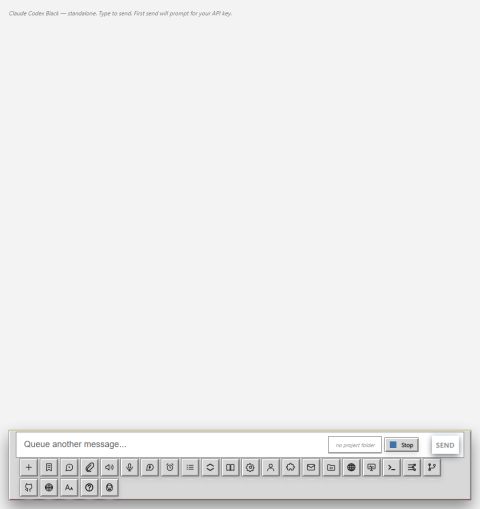

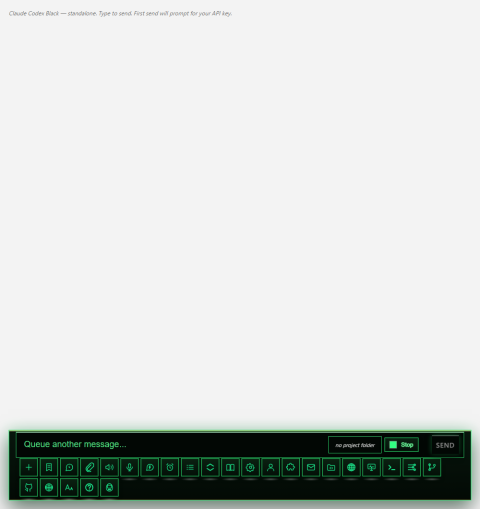
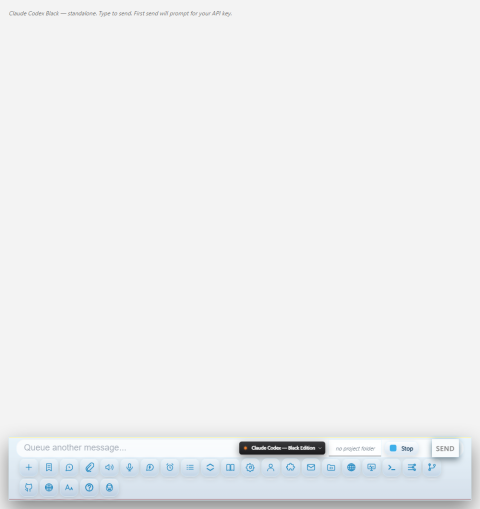
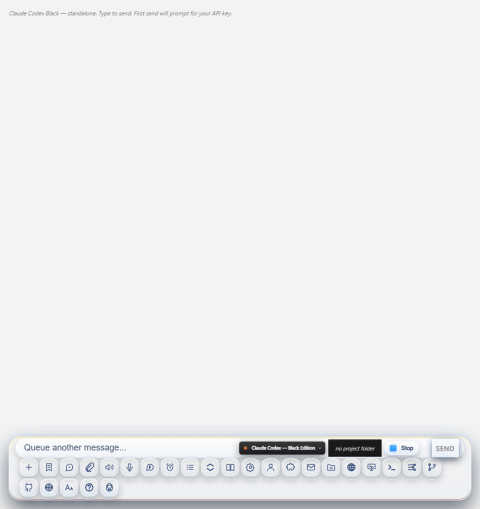
…plus GNOME, Ubuntu, Arch, Red Hat, Mint, Office, and the default Claude look.
Direct API where you have a key — browser bridge where you have a login. Switch on the fly.
CBE works out of the box with no API keys for voice — premium engines plug in when you want them.
CBE ships as a standard VS Code .vsix extension.
code --install-extension claude-codex-black-edition-1.0.2.vsixRun Claude Codex Black: Open Panel from the Command Palette, or press Ctrl+Shift+B (Cmd+Shift+B on macOS).
Choose a model in Settings, drop your API keys into the local config (or use a keyless voice + browser-bridge path), and start chatting.